
WEBSITE SECURITY
WEB DEVELOPMENT
Website Backup Strategies Protecting Your Business Online
Why “it probably won’t happen to us” is the riskiest assumption a business can make about its website and how proper backups prevent disaster.
Why Website Backups Are Non-Negotiable
Website backup strategies often get treated as an optional extra, right up until a hack, server failure, or a simple accidental deletion wipes out months or years of content, customer data, and configuration in an instant. Backup your website consistently, and even a worst-case scenario becomes a manageable inconvenience rather than a catastrophic loss.
Website backup best practices matter regardless of business size. Small businesses frequently assume backups are only necessary for larger, more complex sites, but a small business losing its entire website has just as much at stake proportionally — often without the resources to rebuild quickly from scratch.
The Building Blocks of a Reliable Backup System
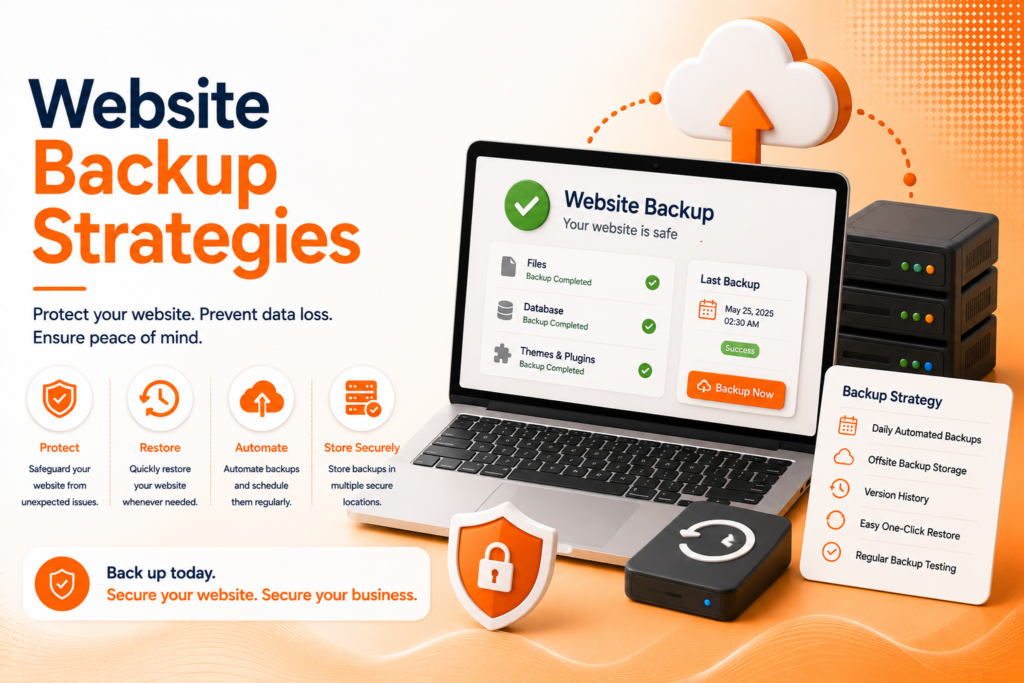
Automated website backups aren’t one safety net they’re a combination of practices that together ensure genuine recoverability when something actually goes wrong.
- Regular, automated backups running on a consistent schedule
- Off-site storage separate from your live server
- Both full-site and database-specific backup coverage
- Periodic testing to confirm backups actually restore correctly
- Clear documentation of the restoration process itself
When these elements work together, a backup system becomes genuine insurance rather than a false sense of security.
Ready for a website that's actually protected against disaster?
How Often Should You Actually Back Up?
Backup frequency should match how often your site’s content genuinely changes. A frequently updated eCommerce store or active blog needs daily, sometimes even more frequent, backups to avoid losing significant order or content data between backup points. A relatively static informational site may reasonably need only weekly backups, given how infrequently its content actually changes.
Website backup best practices generally favor erring toward more frequent backups when in doubt, since storage costs for additional backup points are typically minor compared to the potential cost of losing days or weeks of accumulated data during an unexpected incident.
💡
Tip
Set a calendar reminder to actually test restoring a backup every few months, not just confirm backups are being created. An untested backup that fails to restore correctly provides false confidence, not genuine protection.
Why Off-Site Storage Matters
A backup stored on the same server as your live website provides essentially no protection against server-level failures, hacks, or hosting provider issues that could simultaneously affect both the live site and its backup. Genuine website disaster recovery requires storing backups somewhere entirely separate cloud storage, a different server, or a dedicated backup service.
This separation ensures that even a complete server failure or a successful attack targeting your hosting account doesn’t simultaneously destroy both your live site and your only means of recovering it, which defeats the entire purpose of having a backup in the first place.
60%
Of small businesses close within 6 months of major data loss
94%
Of companies experiencing catastrophic data loss never fully recover
30%
Of backups fail to restore correctly when actually tested
Full-Site vs Database-Only Backups
A complete backup strategy typically covers both full-site files themes, plugins, images, and core code — and database backups specifically, since a website’s content, user accounts, and dynamic data live in the database separately from the file system itself. Restoring only one without the other often results in an incomplete, non-functional site even after a technically “successful” restoration.
Understanding this distinction helps when evaluating backup solutions, since some tools only cover one component thoroughly. Restore website from backup situations go far more smoothly when both elements are consistently captured together, rather than discovering the gap only during an actual emergency restoration attempt.
Having an Actual Recovery Plan, Not Just Backups
Having backups alone isn’t sufficient without a documented, clear process for actually using them during an emergency. Knowing exactly who has access to backup files, how to initiate a restoration, and roughly how long the process takes removes critical uncertainty during what’s already a stressful, time-sensitive situation.
This documentation should be accessible even if key personnel are unavailable during an incident, ensuring the business isn’t dependent on one specific person’s memory of a process they may have only performed once, months or years earlier.
A backup you've never tested restoring isn't really a backup it's an assumption you're hoping never gets tested by an actual emergency.
Common Website Backup Mistakes to Avoid
Even careful businesses fall into familiar traps: storing backups on the same server as the live site, setting up automated backups once and never verifying they’re still running correctly, or never actually testing whether a backup successfully restores.
The fix isn’t just having backups it’s having tested, off-site, regularly verified ones. A genuinely reliable backup system consistently prevents catastrophic loss far better than an assumed, unverified one.
How IWS Solutions Can Help
Our team implements comprehensive website backup strategies for every project, including automated scheduling, secure off-site storage, and tested recovery processes that genuinely protect your business online.