
TESTING ENVIRONMENT
WEB DEVELOPMENT
Staging vs Production: Why You Need a Testing Environment
Why making changes directly on your live website is a risk most businesses don’t realize they’re taking until something breaks in front of customers.
Why Testing Directly on a Live Site Is a Real Risk
Staging vs production isn’t a distinction only large tech companies need to worry about. Any business making regular changes to its website new pages, plugin updates, design tweaks risks visitors encountering a broken, half-finished, or malfunctioning site if those changes are tested directly on the live, public-facing version.
A testing environment solves this by providing an exact replica of your live site where changes can be built, tested, and verified privately before ever reaching actual visitors. This single practice prevents an enormous share of the embarrassing, costly mistakes businesses experience when updates go directly to production without any prior verification.
The Building Blocks of a Proper Staging Workflow
Dev staging production workflows aren’t complicated they’re a straightforward combination of environments and processes that together protect your live website from untested changes.
- A staging site mirroring your live site’s exact configuration
- Clear process for pushing tested changes from staging to production
- Regular syncing so staging reflects current live content
- Restricted access preventing accidental public exposure of staging
- Documented rollback plan if a production update causes issues
When these elements are in place, updates become predictable and low-risk rather than anxious guesswork performed directly on your live site.
Ready for a website workflow that protects your live site?
What Actually Distinguishes Staging From Production
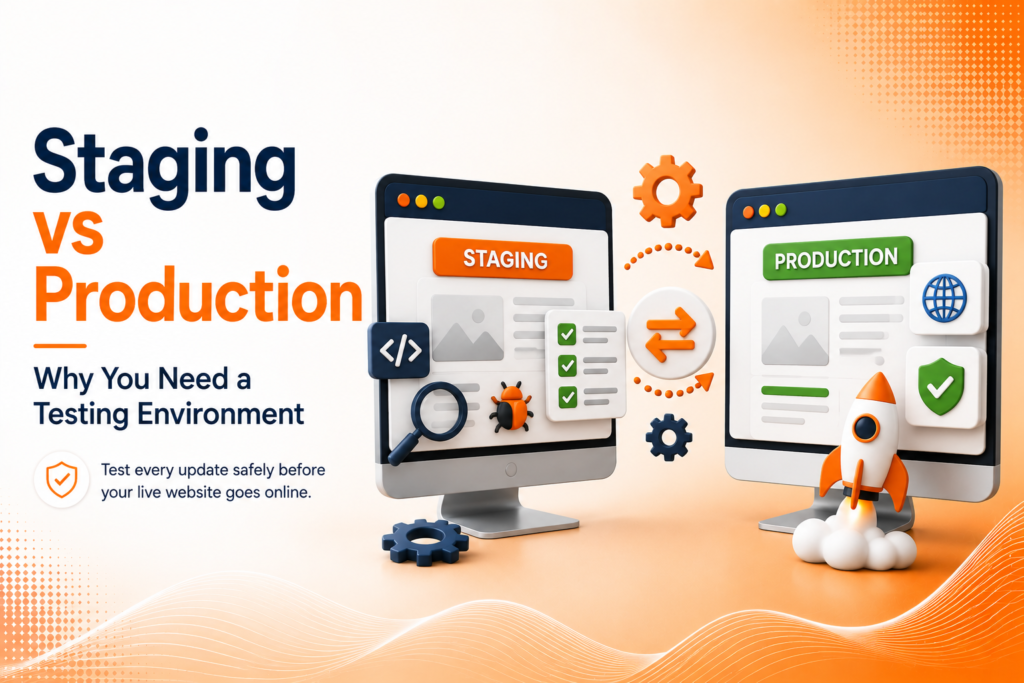
A production environment is simply the technical term for your live, publicly accessible website the version real visitors and customers interact with directly. A staging site is a private, typically password-protected replica of that same site, usually hosted on a separate URL, where changes can be made and reviewed without any risk of public visibility.
This distinction matters because it separates “building and testing” from “what customers actually see,” ensuring that half-finished work, experimental design changes, or risky plugin updates never accidentally become visible to real visitors browsing your live website during an in-progress update.
💡
Tip
Password-protect your staging site immediately after creating it. An unprotected staging environment can accidentally get indexed by search engines, creating duplicate content issues that hurt your live site's SEO.
What Belongs on a Staging Site
Website testing before launch on a staging environment should cover anything with meaningful risk if something goes wrong plugin and theme updates, significant design changes, new functionality, or content migrations during a redesign. Testing these changes on staging first catches compatibility issues, broken layouts, or unexpected conflicts before they ever reach your actual visitors.
Even routine plugin updates, which seem low-risk individually, occasionally introduce unexpected conflicts with other existing site elements. Testing on staging first, even for seemingly minor updates, consistently prevents the frustrating experience of a routine update unexpectedly breaking live site functionality.
43%
Of website issues could be caught with proper staging environment testing
2–4 Hours
Average downtime cost of an untested production update gone wrong
89%
Of development teams consider staging environments essential practice
Keeping Staging Synced With Production
A staging site loses much of its value if it drifts too far out of sync with the actual live site’s current content and configuration. Regular syncing pulling current production content and settings into staging periodically ensures that testing happens against a genuinely accurate representation of what’s actually live, rather than an outdated version that no longer reflects current reality.
This syncing process should ideally happen automatically or on a defined regular schedule, rather than only occasionally and inconsistently, since testing against significantly outdated staging content can miss issues that only exist within the current, actual production environment.
Having a Rollback Plan Regardless
Even with careful staging testing, having a documented rollback plan for production remains essential. Website backups, version control, or simple documentation of the pre-update state allow a business to quickly revert if an update that tested successfully on staging somehow still causes unexpected issues once actually deployed to the live production environment.
This safety net acknowledges that staging significantly reduces risk but doesn’t eliminate it entirely server environment differences or unexpected real-world traffic patterns can occasionally reveal issues that staging testing alone didn’t catch.
The difference between a confident website update and a stressful emergency often comes down to one simple decision: testing it somewhere your customers can't see first
Common Staging and Production Mistakes to Avoid
Even experienced teams fall into familiar traps: making changes directly on production without any staging test, leaving staging sites unprotected and publicly accessible, or letting staging drift so out of sync with live content that testing becomes unreliable.
The fix isn’t skipping testing to save time it’s building a consistent staging workflow into every update process. A brief testing step consistently prevents the far more costly, visible mistakes of untested live changes.
How IWS Solutions Can Help
Our team maintains proper staging and production environments for every project, ensuring updates are thoroughly tested before ever reaching your live website and real visitors.