
FAVICON DESIGN
BRANDING
How to Design a Favicon That Represents Your Brand
The tiny icon in your browser tab does more brand recognition work than most businesses realize here’s how to get it right.
Why Such a Small Icon Deserves Real Attention
Favicon design often gets treated as an afterthought, quickly generated from a logo file minutes before launch, despite appearing in browser tabs, bookmarks, and search results dozens of times throughout a visitor’s relationship with a website. Website favicon presence is small in size but genuinely significant in cumulative brand recognition over repeated visits.
How to design a favicon effectively starts with recognizing its unique constraint: unlike a full logo, a favicon typically displays at just 16×16 or 32×32 pixels, meaning it needs to communicate brand identity clearly at a size where most design detail simply can’t survive legibly.
The Building Blocks of an Effective Favicon
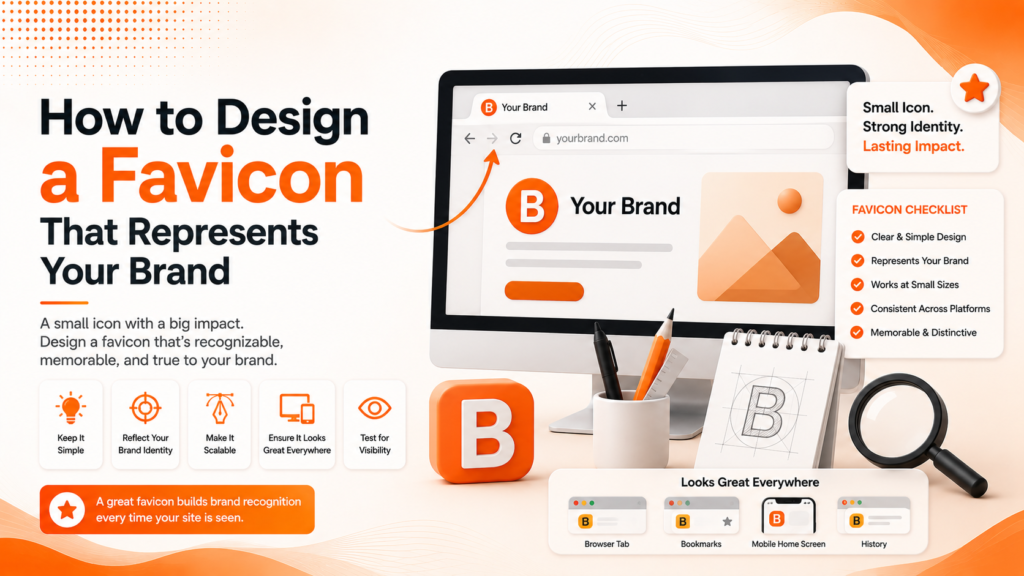
Favicon best practices center on solving one core challenge: representing your brand recognizably at an extremely small size.
- Extreme simplicity, often just an icon or single letter
- High contrast for visibility across light and dark browser themes
- Consistent brand color usage where legible
- Multiple size exports for different display contexts
- Testing at actual browser tab size, not just full-screen preview
When these principles are followed, a favicon remains recognizable and professional even at its smallest, most common display size.
Ready for a favicon that actually represents your brand?
Simplifying Your Logo for a Tiny Format
Most logos, even relatively simple ones, contain too much detail to remain legible at favicon size. Brand favicon design typically requires extracting just the most essential, recognizable element from a full logo often a distinctive icon, symbol, or a single letter rather than attempting to shrink an entire wordmark or complex mark down to 16 pixels.
This simplification process sometimes reveals that a brand’s existing logo doesn’t have an obvious, extractable simple element, which occasionally prompts a broader realization that the logo itself might benefit from a secondary, simplified mark designed specifically for small-format applications like favicons and app icons.
💡
Tip
Design your favicon at actual size 16x16 pixels not just a scaled-down version of a larger design. Details that look fine when scaled down on screen often become illegible mush at true favicon resolution.
Understanding Favicon Size Requirements
Favicon size requirements have grown more complex as favicons now appear across numerous contexts beyond just browser tabs mobile home screen icons, browser bookmarks, and various device-specific display requirements each call for slightly different dimensions. Standard favicon packages typically include multiple sizes: 16×16 and 32×32 for browser tabs, alongside larger 180×180 or 192×192 versions for mobile home screen icons.
Providing this complete size range, rather than a single generic file, ensures your favicon displays crisply and correctly across every context a visitor might encounter it, rather than appearing pixelated or blurry in contexts requiring a larger, higher-resolution version than a single small file can adequately provide.
16x16px
Standard favicon size for browser tabs
94%
Of users report favicons help them identify open tabs faster
192x192px
Recommended size for mobile home screen icons
Testing Across Light and Dark Browser Themes
Website favicon design increasingly needs to account for browsers displaying in both light and dark modes, where insufficient contrast can cause a favicon to nearly disappear against certain background colors. A favicon that looks clear on a white browser tab background might become nearly invisible against a dark theme’s tab bar, or vice versa.
Testing your favicon design against both light and dark browser themes before finalizing ensures consistent visibility regardless of which display mode a visitor happens to be using, a consideration that’s become increasingly relevant as dark mode adoption continues growing across both browsers and operating systems generally.
Generating and Implementing Your Favicon Correctly
A favicon generator tool can efficiently produce the complete range of required sizes and formats from a single source image, handling the technical export process automatically rather than requiring manual resizing for each individual size and format variant needed across different browsers and devices.
Proper implementation also requires correctly linking the favicon files within your website’s HTML code, ensuring browsers can actually locate and display the correct file rather than defaulting to a generic, unbranded icon due to a technical implementation oversight during development or a site migration.
A favicon is the smallest space your brand occupies online and often the most repeated one, appearing every single time someone glances at their open tabs.
Common Favicon Design Mistakes to Avoid
Even design-conscious businesses fall into familiar traps: using a full, detailed logo scaled down without simplification, providing only one size instead of a complete export range, or forgetting to test visibility against both light and dark browser themes.
The fix isn’t more detail it’s more simplicity. A clean, simplified icon designed specifically for small format will remain recognizable where a shrunken full logo simply becomes illegible.
How IWS Solutions Can Help
Our team designs complete favicon and icon systems as part of every brand identity project, ensuring your brand remains recognizable and professional even at the smallest display sizes.