
WEBSITE DEVELOPMENT
ACCESSIBILITY
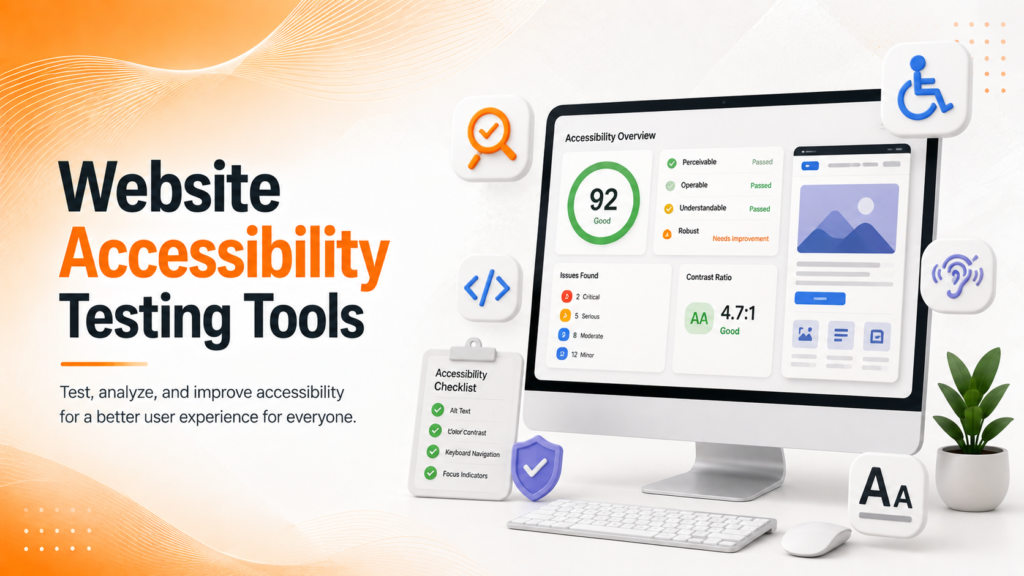
Website Accessibility Testing Tools A Practical Overview
Accessible websites aren’t just a compliance checkbox they’re a genuinely better experience for every visitor who lands on your site.
Why Accessibility Testing Gets Skipped More Than It Should
Website accessibility often gets treated as a final-stage checklist item, squeezed in right before launch if there’s time left over. But accessibility testing tools exist precisely because manual review alone rarely catches everything color contrast issues, missing alt text, keyboard navigation traps, and screen reader incompatibilities tend to slip through even careful design processes.
Genuine accessibility testing isn’t about satisfying a legal requirement in isolation. It’s about confirming that a meaningful percentage of your actual visitors people using screen readers, keyboard-only navigation, or assistive browsing tools can actually use your website the way it was intended.
The Building Blocks of a Genuine Accessibility Audit
A practical accessibility testing process examines several distinct layers that together reveal genuine usability gaps, not just automated pass/fail scores.
- Color contrast ratios against WCAG guidelines
- Keyboard-only navigation and focus order
- Screen reader compatibility for key content
- Alt text accuracy for meaningful images
- Form labeling and error message clarity
When these layers are tested together, accessibility work reveals genuine barriers real users face, rather than just a passing automated score.
Ready to make your website genuinely accessible to every visitor?
Automated Tools vs What They Actually Catch
Website accessibility testing tools like automated scanners are genuinely useful as a first pass, quickly flagging missing alt attributes, low contrast ratios, or unlabeled form fields across an entire site. But automated tools typically catch only a fraction of real accessibility issues they can confirm an image has alt text, but not whether that alt text actually describes the image meaningfully.
This is why relying solely on automated results creates a false sense of completeness. Many businesses run one scan, fix the flagged items, and consider accessibility “done,” while genuine navigation and comprehension issues remain entirely unaddressed.
💡
Tip
Try navigating your own site using only a keyboard no mouse. If you can't reach every link, button, or form field in a logical order, your visitors using assistive technology likely can't either.
Why Manual Testing Still Matters
Automated tools genuinely struggle with context-dependent judgments whether a heading structure makes logical sense, whether an error message is actually clear when read aloud, or whether interactive elements behave predictably for screen reader users. Manual testing, ideally involving people who actually use assistive technology daily, surfaces these gaps in a way automated scans simply cannot.
Combining both approaches automated scans for broad coverage and manual review for genuine usability produces a far more accurate picture of where a website actually stands.
96%
Of top websites have at least one detectable accessibility issue
71%
Of accessibility problems missed by automated scanning alone
35%
Higher engagement on sites that pass genuine accessibility audits
Choosing the Right Mix of Testing Tools
A thorough accessibility testing approach typically combines automated scanners for broad, repeatable coverage with periodic manual audits for genuine depth. The right mix depends on site complexity a simple brochure site may need less manual review than an interactive eCommerce or SaaS platform with dynamic content and forms.
This layered approach also surfaces genuine priority gaps which issues affect the most visitors, which are quick fixes, and which require deeper structural changes to templates or components.
Turning Audit Results Into Genuine Fixes
Accessibility testing only delivers real value when findings translate into actual code and design changes, rather than sitting in a report that never gets actioned. Flagged issues should be prioritized by genuine user impact broken keyboard navigation affects far more people than a slightly low contrast ratio on a decorative element.
This work also benefits from periodic re-testing rather than a single one-time audit, since new pages, components, and content updates can quietly reintroduce accessibility issues over time.
Accessibility testing isn't about passing a scan it's about confirming a real person, using real assistive technology, can actually get where they're trying to go on your site.
Common Accessibility Testing Mistakes to Avoid
Even well-intentioned teams fall into familiar traps: relying entirely on automated tools while skipping manual review, treating accessibility as a one-time pre-launch task, or fixing only the issues a scanner happens to flag while ignoring genuine navigation and comprehension problems.
The fix isn’t more scanning it’s combining automated coverage with real manual testing that reflects how people actually use assistive technology.
How IWS Solutions Can Help
Our team conducts thorough accessibility audits combining automated scanning tools with genuine manual review helping businesses build websites that work for every visitor, not just the majority.