
PLATFORM COMPARISON
WEB DEVELOPMENT
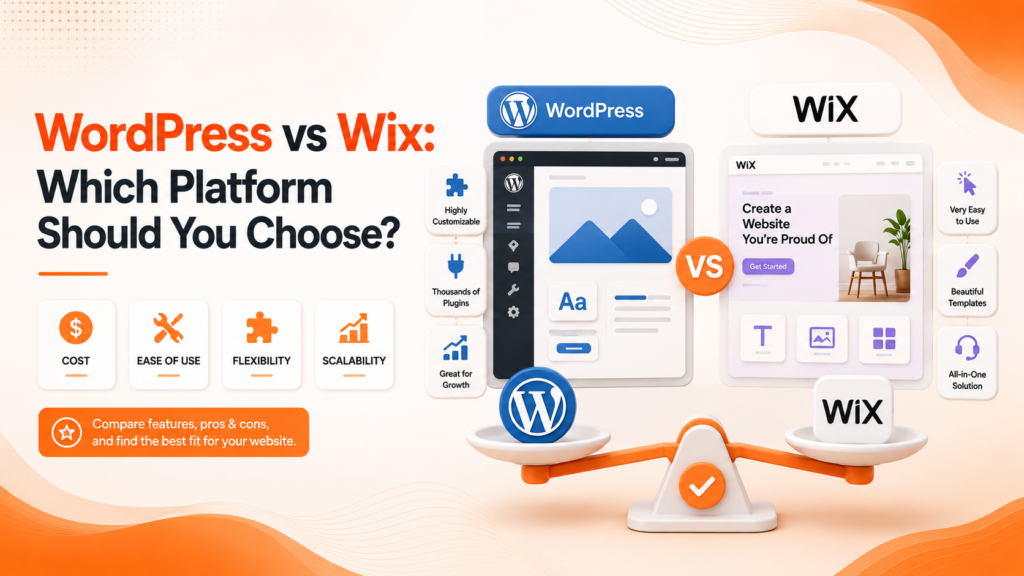
WordPress vs Wix: Which Platform Should You Choose?
Two of the most popular website platforms, built on completely different philosophies here’s how to know which one actually fits your business.
Why This Decision Deserves More Than a Quick Guess
WordPress vs Wix is one of the most common questions business owners ask when starting a new website, and it’s a decision that shapes everything downstream cost, flexibility, and how much control you’ll have as the business grows. Both platforms can produce professional-looking websites, but they solve the problem in fundamentally different ways.
WordPress or Wix isn’t really about which platform is objectively “better” it’s about which philosophy fits your specific situation. WordPress prioritizes flexibility and control at the cost of a steeper learning curve, while Wix prioritizes simplicity and speed at the cost of some long-term flexibility.
The Building Blocks of Each Platform
Website platform comparison between WordPress and Wix comes down to a handful of core differences that matter more than surface-level features.
- WordPress is open-source and self-hosted; Wix is fully hosted and managed
- WordPress offers virtually unlimited customization through plugins and code
- Wix offers a simpler, drag-and-drop building experience
- WordPress requires more technical setup and maintenance
- Wix trades some flexibility for genuine ease of use
Understanding these fundamental differences matters more than comparing surface-level feature lists between the two platforms.
Ready for a website built on the right platform for your business?
WordPress: Maximum Flexibility, More Responsibility
WordPress website builder functionality, through its massive plugin ecosystem, allows businesses to build virtually anything from simple brochure sites to complex eCommerce stores, membership platforms, or custom web applications. This flexibility comes from WordPress being open-source software that you self-host, giving complete control over every aspect of the site.
That control comes with real responsibility, though. WordPress requires managing hosting, security updates, and backups either personally or through a managed hosting provider and the learning curve for customization beyond basic content updates is genuinely steeper than more simplified, all-in-one platforms.
💡
Tip
If you're choosing WordPress specifically for its flexibility, make sure you'll actually use that flexibility. If your needs are simple, you may be taking on unnecessary complexity for features you'll never need.
Wix: Simplicity and Speed to Launch
Wix website builder takes a fundamentally different approach fully hosted, managed, and built around an intuitive drag-and-drop interface that lets business owners launch a professional-looking site without any coding knowledge or separate hosting setup required. For straightforward business websites, this simplicity genuinely reduces both launch time and ongoing maintenance burden.
The tradeoff is reduced flexibility as needs grow more complex. Best website builder platforms like Wix work well for standard business sites, but businesses eventually needing highly custom functionality often find themselves constrained by what the platform’s app marketplace and design system can actually accommodate.
43%
Of all websites globally run on WordPress
200,000+
Available WordPress plugins for extending functionality
35%
Average time savings launching a simple site on Wix vs WordPress
Comparing Cost and Long-Term Ownership
WordPress itself is free, but costs accumulate through hosting, premium themes, and plugins total costs vary significantly based on complexity, but you retain full ownership and portability of your site and data. Wix bundles hosting into its subscription plans, offering predictable monthly costs, but your site remains tied to their platform, making migration to another system considerably more difficult later.
This ownership distinction matters most for growing businesses. A WordPress site can be moved between hosting providers freely, while a Wix site essentially requires rebuilding from scratch if you ever want to migrate to a different platform down the line.
SEO and Scalability Considerations
Which website builder is best for SEO depends partly on how it’s used, but WordPress generally offers deeper SEO control through dedicated plugins allowing granular optimization of technical elements Wix handles more generically. For content-heavy sites planning to scale significantly, WordPress’s flexibility typically supports more sophisticated SEO and content strategies over time.
Wix has made meaningful SEO improvements in recent years and works genuinely well for straightforward business sites with standard SEO needs. The gap matters most for businesses planning aggressive content marketing or complex site structures that benefit from WordPress’s greater technical flexibility.
The best platform isn't the one with the most features it's the one that matches how much control you actually want, and how much complexity you're genuinely ready to manage.
Common Platform Selection Mistakes to Avoid
Even well-intentioned businesses fall into familiar traps: choosing WordPress for its flexibility without a plan to actually use it, picking Wix for simplicity then quickly outgrowing its limitations, or choosing based on trends rather than genuine business needs.
The fix isn’t picking the more popular option it’s honestly matching platform capability to your actual technical comfort and growth plans, today and over the next few years.
How IWS Solutions Can Help
Our team helps businesses choose and build on the right platform, whether that’s a fully custom WordPress site or a streamlined solution, based on your genuine needs rather than a one-size-fits-all recommendation.